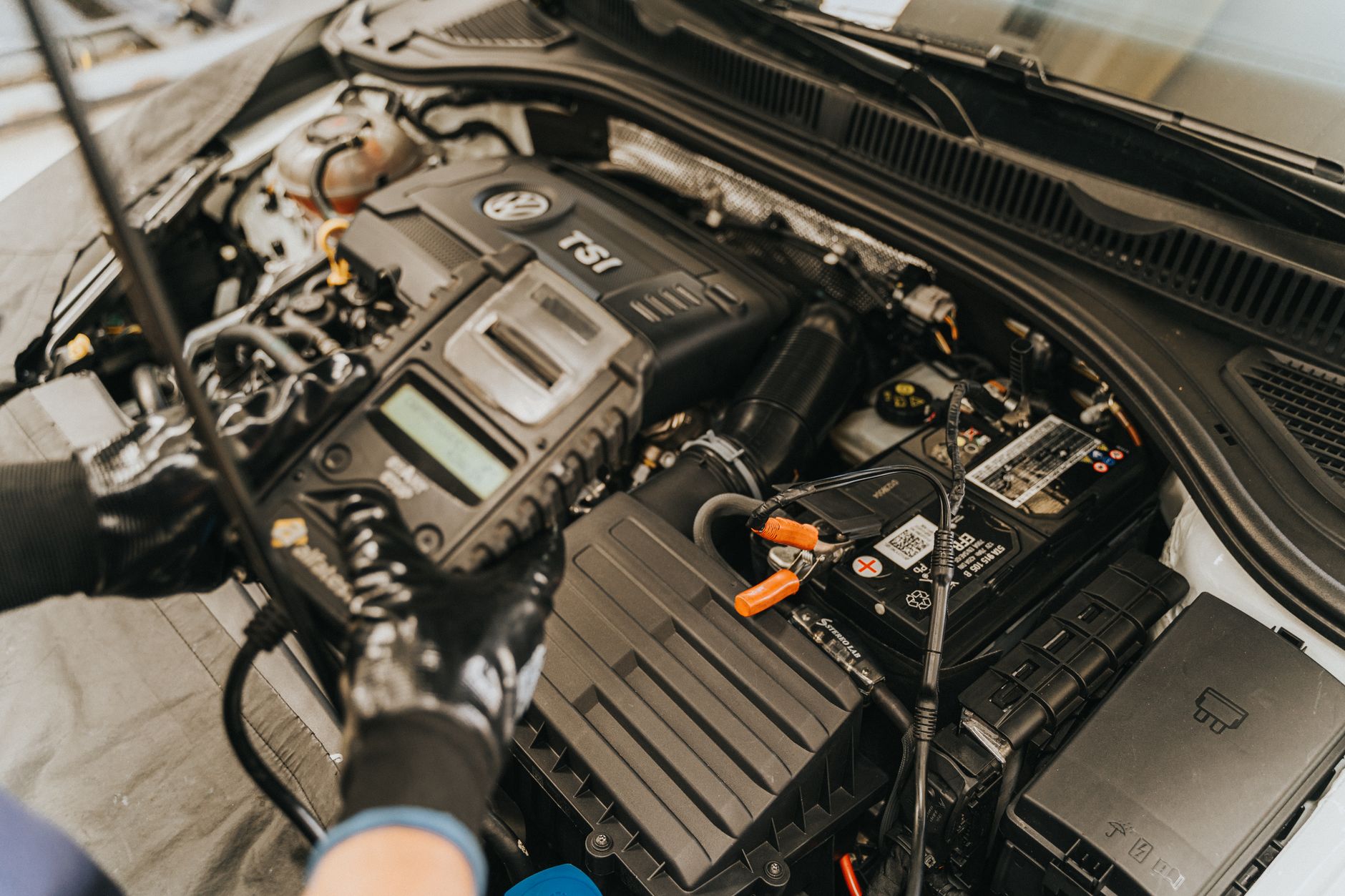

Ford SID213 EVO ECU Guide: Checks Before We Write Files
SID213 EVO ECUs are now a regular sight on Ford diesel platforms.
They are not difficult units, but they are unforgiving if rushed.
This guide explains the exact checks we run before writing any files on a SID213 EVO ECU,
why each step matters, and how skipping them leads to repeat faults and comeback vehicles.
What the SID213 EVO ECU is
The SID213 EVO is a Continental ECU used across a wide range of later Ford diesel vehicles.
It is most commonly found on 2.0 EcoBlue engines.
Compared to earlier SID units, the EVO variant introduces tighter checksum control,
different security handling, and stricter plausibility monitoring.
In practical terms, this means poor preparation shows up fast.
Common Ford platforms using SID213 EVO
We regularly see SID213 EVO fitted to:
- Ford Transit Custom 2.0 EcoBlue
- Ford Transit 2.0 EcoBlue (FWD and RWD)
- Ford Ranger 2.0 EcoBlue
- Ford Tourneo Custom
- Later Ford Focus and Mondeo 2.0 EcoBlue variants
Many of these are high-mileage commercial vehicles.
That makes baseline checks even more important.
Why readiness checks matter more on EVO units
SID213 EVO ECUs are sensitive to underlying faults.
They will happily accept a file and then flag unrelated issues immediately afterwards.
That is how vehicles end up labelled as “bad files”
when the real problem was already there.
A clean write does not mean a healthy vehicle.
Step 1: Confirm the exact ECU ID
Before anything else, we identify the ECU properly.
- Hardware number
- Software number
- Calibration reference
- VIN match
Ford platforms often share engine codes while running different ECU variants.
Writing the wrong base file is an easy way to create faults.
Step 2: Choose the correct access method
SID213 EVO access depends on vehicle year, software level, and security state.
We confirm whether the ECU requires:
- OBD access
- Bench access
- Boot-mode access
Forcing OBD access on a unit that should be benched
increases write risk and recovery time.
Step 3: Full pre-write diagnostics
We do not write files onto unknown vehicles.
Before any ECU work, we scan and log:
- Stored and pending fault codes
- Freeze-frame data
- Emission-related warnings
- Communication errors
This is part of Advanced Diagnostics,
not an optional extra.
Why existing faults must be resolved first
SID213 EVO ECUs monitor plausibility tightly.
Common pre-existing issues include:
- AdBlue pressure faults
- NOx sensor deviations
- DPF soot calculation errors
- Boost control inconsistencies
Writing a file does not fix these.
It often makes them more obvious.
Related faults we see alongside SID213 EVO work
Many Ford EcoBlue vehicles arrive with overlapping issues.
- AdBlue warnings and countdowns
- Repeated NOx sensor faults
- DPF regen issues on short runs
Relevant background reading:
Step 4: Read and verify the original file
Before any modification, we read the original ECU file and verify it.
- Checksum validation
- File size consistency
- No read errors or gaps
This gives us a clean rollback point if needed.
Why file integrity matters on EVO ECUs
SID213 EVO units are less forgiving than earlier models.
Corrupted or partial files can lead to:
- Permanent communication loss
- Immobiliser issues
- Non-start conditions
This is why controlled access and validation matter.
Step 5: Post-write validation
Writing the file is not the end.
After programming, we:
- Clear faults correctly
- Re-scan the vehicle
- Confirm live data stability
- Check emissions-related readiness
This prevents customers leaving with hidden issues.
How repeat faults usually happen
Most comebacks follow the same pattern.
- Existing fault ignored
- File written anyway
- ECU flags issue harder afterwards
- File blamed instead of root cause
Proper checks remove this cycle.
SID213 EVO and AdBlue-related work
Many SID213 EVO vehicles arrive due to AdBlue faults.
Before any AdBlue-related programming, we confirm:
- Pump pressure behaviour
- Injector response
- Sensor plausibility
If you are dealing with warnings or countdowns, start here:
AdBlue warning light and countdown explained.
SID213 EVO and performance tuning
When used for Stage 1 remaps, SID213 EVO ECUs respond well,
but only on healthy vehicles.
We always confirm baseline health before tuning.
If you are exploring this route, read:
Stage 1 remap service.
What to do before booking ECU work
- Check for warning lights
- Note any limp mode behaviour
- Get diagnostics done first
Preparation saves time and avoids rework.