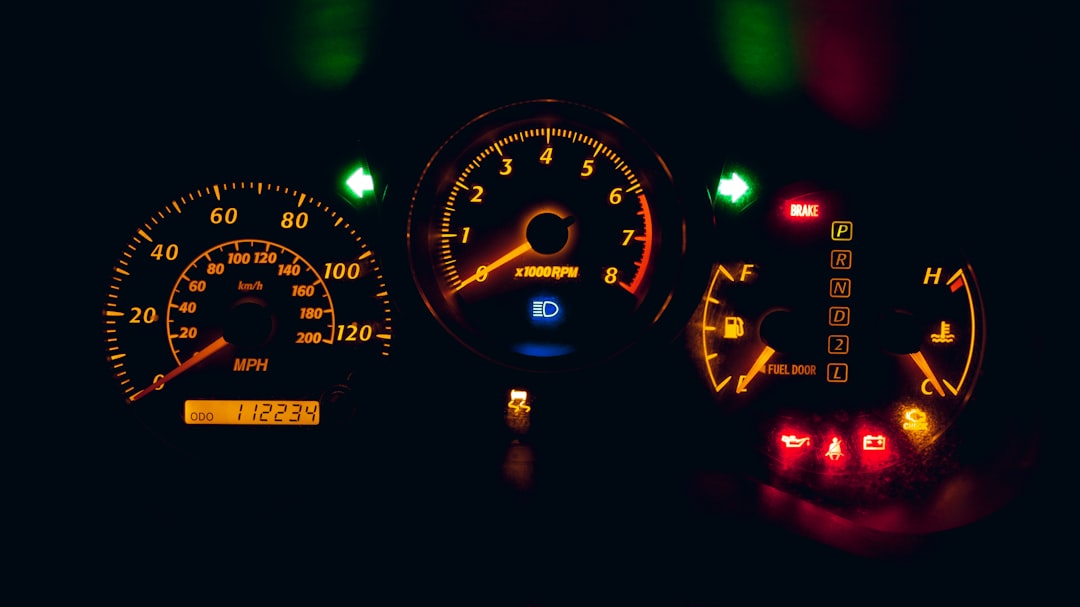

SID212EVO No-Start Countdown: Why It Won’t Reset After Repairs
You changed the pump. You topped up AdBlue. The warning still sits there, counting down. This post explains why that happens on SID212EVO and what needs proving before a proper reset sticks.
For a full overview of SID212EVO fault patterns, see our
complete SID212EVO fault guide
.
What the Countdown Really Means on SID212EVO
On many EcoBlue vans, the countdown is not a simple “low fluid” reminder.
It is a strategy that protects the SCR system. The ECU sets a condition, then waits for proof that the condition has cleared. If that proof never arrives, the van stays in countdown mode.
Common triggers
- SCR pressure control falls outside expected behaviour
- Dosing does not match the requested amount
- NOx readings do not track the model after warm-up
- Heater performance fails when temperatures drop
Why “new parts” can still leave you stuck
- The ECU still sees a mismatch in live data
- Adaptations remain invalid or incomplete
- A wiring fault makes the new part look bad
- A stale fault condition keeps the logic latched
SID212EVO P20E8 / P204F / P207F diagnosis.
This post stays focused on the reset logic and verification steps.
Why a Countdown Won’t Clear After Repairs
We see four repeat patterns when the countdown survives a repair.
1) The repair fixed one symptom, not the cause
Example: a pump gets replaced because the scan shows “low pressure”. Live data then shows pressure rises, but the dosing rate still does not follow demand. The ECU continues the countdown because the system still cannot dose correctly.
2) Adaptation steps never completed
Some jobs need a proper routine after a part swap. If the routine does not run, the ECU can refuse to accept the new baseline. That keeps the fault status active.
3) Electrical issues hide in plain sight
Low voltage at the pump, a weak earth, or corrosion in a connector can make a healthy component look faulty. The ECU reacts to the data it receives, not the invoice for the new part.
For an electrical deep dive, use: OBD code reader limitations.
4) The van never hit the conditions needed to clear
Some clear routines need correct temperature, stable run time, and a full test cycle. If the van only does short runs, the ECU never sees a full “pass” event.
Short-run issues also feed DPF trouble. If you suspect both, see:
why short journeys ruin your DPF and
why a DPF keeps blocking after cleaning.
Our Reset Checklist for SID212EVO
We do not start with “clear codes”. We start with proof.
Step 1: Confirm the story
- What changed before the countdown started
- What repairs have already been done
- Whether the warning changes with temperature
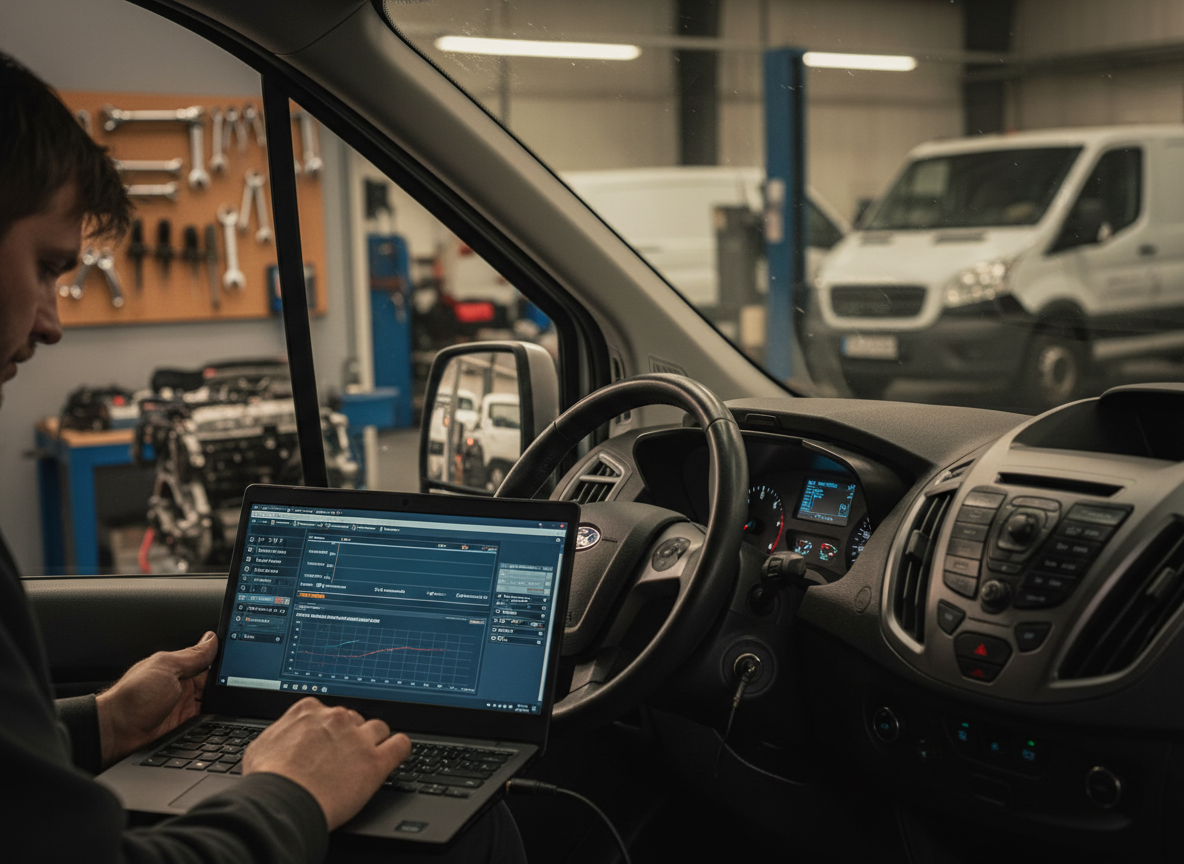
Step 2: Check live data under load
- Pressure behaviour during dosing
- Current draw trends at the pump
- NOx values as the van warms up
Step 3: Verify the fix
- Run the correct routines after parts changes
- Road test with the right conditions met
- Re-check live data and stored status
what to do if your car won’t start due to AdBlue issues.
When a Reset Is Not the Right Next Move
Sometimes the countdown is doing its job. A reset without proof can buy you a short window, then the warning returns.
Signs you need deeper testing
- The countdown returns after the first long drive
- The van runs fine, then drops into limp mode
- The warning only appears in cold weather
- You have repeat NOx faults after sensor changes
SID212EVO Countdown FAQs
Can a normal code reader reset the SID212EVO countdown?
It can clear some stored faults. It rarely proves the system has recovered. SID212EVO logic wants to see correct live behaviour. That is why the warning can return even after a “clear”.
Why did the countdown start after a top-up?
A top-up can reveal an issue that was already building. The next dosing cycle runs, the ECU checks results, then the countdown starts. This page helps too:
AdBlue warning after top-up.
Do short runs make SID212EVO problems worse?
Yes. Short runs delay warm-up, reduce stable dosing cycles, and can keep adaptations from settling. They also raise the odds of DPF trouble, which can confuse symptoms.
What is the quickest way to stop getting stranded?
Book a proper diagnostic session before the countdown hits zero. We test live data, confirm the root cause, then verify the fix. Start here:
advanced diagnostics.
Book a SID212EVO Reset the Right Way
Send your reg, model, and a photo of the message on the dash. We’ll tell you what checks we need to run and book you in.